Guide
Multicast Observability Guide for Lighting Networks
Practical guide for building multicast observability in lighting networks to detect flooding, stale group state, and pre-show instability before cue playback is affected.
 Y-LinkFebruary 14, 2026
Multicast Observability Guide for Lighting Networks
Multicast in lighting networks: practical overview
Modern lighting systems commonly use multicast to distribute per-universe data across a venue. Typical protocols include sACN (E1.31) and other vendor multicast implementations. Multicast reduces bandwidth and simplifies distribution, but it also hides problems: when group state drifts or a source malfunctions, large parts of the venue can be affected without an obvious single-point alarm. Observability is the capability to detect those failures — flooding, stale group entries, or pre-show instability — before a live cue fails at FOH or during a rehearsal.
Critical observation points in live production
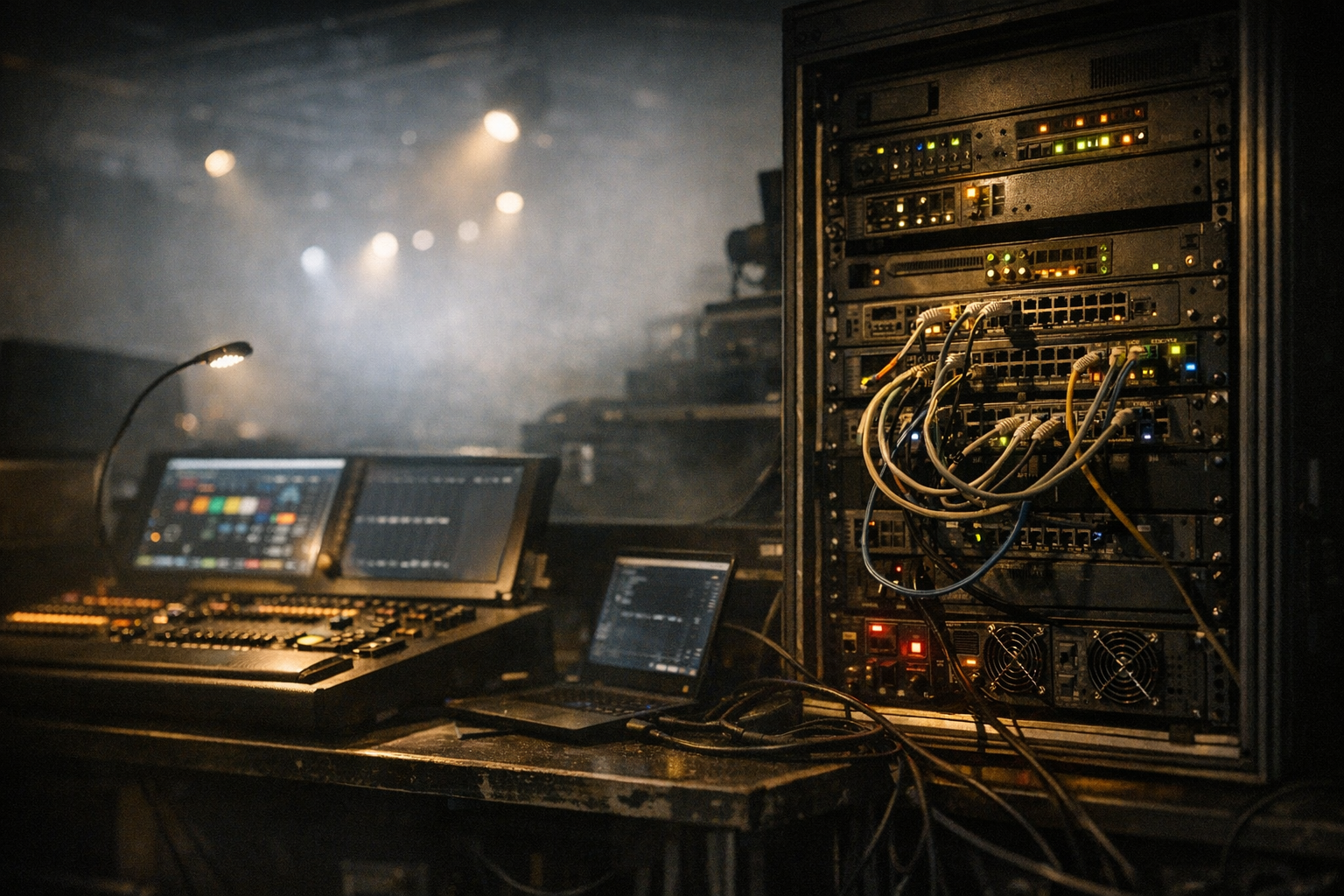
To be operationally useful, monitoring must be placed where it will catch the failure modes that matter in production. Typical observation points are:
- Front of House (FOH) network switch: mirrors consoles, FOH processors, and backup consoles.
- Rehearsal patch and stage distribution switches: where pre-show changes and last-minute console work occur.
- Stage doors and dock network segments: points where third-party gear or house systems can introduce traffic.
- Node/gateway ports: DMX gateways and network nodes that translate multicast to DMX or Art-Net; these can emit unexpected traffic when misconfigured or stuck.
- Backup console links: ensure the backup console is visible and its IGMP reports are seen by the network.
Place at least one passive capture point near FOH and one near stage distribution to correlate symptoms across the venue.
Instrumentation and capture endpoints
Choose a mix of active and passive instruments: packet captures, switch telemetry, and sampled flow data. Practical, low-cost probes include a mirrored SPAN port into a laptop, a dedicated Linux sniffer box running tcpdump/tshark, and a small appliance that exports sFlow or NetFlow. For continuous production visibility, deploy one small collector at FOH and one at stage; these can run automated captures triggered by rule thresholds.
Operational tips:
- Use a dedicated sniffer on a non-routing VLAN to avoid affecting production traffic.
- Configure the switch to mirror both ingress and egress on ports connected to consoles and gateways.
- Store rolling captures with a retention policy tuned to rehearsal windows — short rolling windows are usually sufficient and reduce data handling.
Switch and IGMP telemetry: what to collect
Switches provide the fastest way to detect multicast anomalies without storing payloads. Collect these items via SNMP or vendor APIs:
- IGMP snooping group tables: which ports have joined which multicast groups and the reported membership age.
- Multicast forwarding tables (MFDB/bridge mcast tables): mapping of group to ports for forwarding decisions.
- Per-port multicast packet and byte counters and packet rate (packets/sec).
- Port error and discard counters; flooding often correlates with high discard rates on CPU or management interfaces.
Automate collection every 5–15 seconds during setup and shorter (1–5s) during live signals if the switch supports it. Correlate IGMP table entries with observed source IPs from packet captures to identify orphaned groups.
Packet-level inspection: what to look for in captures
When a capture is available, the most revealing attributes are timing, group counts, and source behavior. Key items to extract:
- Top talkers by packets/sec and bytes/sec. Identify a console IP, a stuck gateway, or a misbehaving node sending bursts.
- Multicast group churn: new group joins/leaves per second and groups per source IP. Rapid churn often precedes pre-show instability.
- Frame intervals and duplicate frames. High-frequency duplicate frames or jitter spikes indicate upstream issues or a device in a tight retry loop.
- Absence of expected sACN refresh frames for a known universe — this is an early indicator of stale state at target nodes.
Use tools like tshark scripts to generate time-series CSVs of packets/sec per group and visualize them in a quick chart for human review.
Defining baseline normal behaviour
Observability depends on a clear baseline. Establish a baseline during a rehearsal or a quiet production period. Capture:
- Typical number of active multicast groups and average forwarding ports per group.
- Per-port multicast PPS and peak values during intense cues.
- IGMP membership churn rates during scene changes.
Create baseline thresholds relative to observed peaks rather than fixed numbers. For example, in one theatre a single console may normally produce 1–5k packets/sec across all universes during a cue; set alerts to trigger when traffic exceeds 150% of the rehearsal peak. Store baseline captures from several shows to account for variability between setups.
Detecting and diagnosing flooding
Flooding looks like a sudden, sustained rise in multicast PPS across many groups and ports. Practical detection steps:
- Alert on sudden global increase in multicast bytes/sec or packets/sec on the FOH switch uplink.
- Drill down to the per-port top-talkers list — a single misbehaving node/gateway or an incorrectly configured console will appear at the top.
- If per-port counters are insufficient, use SPAN capture to record 30–60 seconds and inspect for repeating frames, identical packet payloads, or a single source cycling through many groups quickly.
Operational response: isolate the offending port (disable or move to a quarantine VLAN) to stop the flood, then reconnect to a test VLAN to validate behavior from that device. In FOH, ensure the backup console remains on a separate monitored link so failover remains possible during isolation.
Identifying stale group state and orphaned groups
Stale state appears when switches continue forwarding to ports for groups that have no active source or no active members. Common causes include lost IGMP leave messages, a failed IGMP querier, or a gateway that forwards without sending reports. Detect stale state by:
- Comparing IGMP snooping tables with real-time capture: groups present in the switch but with no recent source packets indicate orphaned groups.
- Monitoring membership age counters in the snooping table; very old ages with zero recent traffic indicate stale entries.
- Detecting discrepancy between the number of groups the console reports and the number the switch forwards to endpoints.
Fixes focus on the IGMP lifecycle: ensure a single querier is elected and healthy, enable fast-join or fast-leave features where appropriate, and configure reliable querier intervals so leaves are processed quickly. If a gateway exhibits persistent orphaning, inspect its IGMP client behavior and firmware — some gateways fail to re-assert memberships after network interruptions.
Pre-show instability: rehearsal to cue handoff
Pre-show time is when change is highest: technicians load new universes, backup consoles are tested, and doors open with third-party equipment entering the network. To prevent cue-time surprises:
- Run a short rehearsal capture that includes the last 10 minutes before house open and the first queued cues. Use it to build a pre-show baseline.
- Automate a pre-show script that verifies the backup console has valid IGMP membership and that critical groups are present at expected nodes/gateways. A simple tcpdump-based check can confirm that at least one source for each critical universe is emitting frames within the last 2–3 seconds.
- Monitor for rapid join/leave events on doors and dock segments; these are common sources of instability and should be placed in an access-limited VLAN.
During rehearsals, document the typical join/leave patterns of each console and gateway. If a console's behavior during rehearsal differs from show time, treat that as a high-priority alert for pre-show debugging.
Operational responses and mitigation
When an anomaly is detected, follow a short diagnostic flow: identify, isolate, remediate, and validate.
- Identify: use switch tables and captures to pinpoint the offending IP or port.
- Isolate: move the device to a quarantined VLAN or disable the port; keep the backup console reachable if possible via a separate path to preserve failover.
- Remediate: reboot or reconfigure the node/gateway, update firmware, or fix console multicast settings (address space, rate limits, universe maps).
- Validate: replay a rehearsal cue or run the pre-show verification to ensure the issue does not recur.
For long-term mitigation, include multicast-specific tests in your runbook for FOH and stage techs: a quick IGMP table review, a 30-second capture of key multicast groups, and a verification that the querier is present and stable. Automation can reduce response time: scripts that poll IGMP tables and compare them to expected membership lists will surface stale groups before a show.
Frequently asked questions
How do I spot a multicast flood quickly during a show?
Watch uplink multicast PPS and bytes/sec on the FOH switch and set an alert for sudden increases beyond rehearsal baselines. If alerted, pull the top-talkers from the switch and snapshot a 30–60 second SPAN capture to identify source IPs and duplicate frames. Immediate isolation of the offending port usually restores stability.
Can a backup console cause stale multicast groups?
Yes. If the backup console is connected and it fails to send IGMP leave messages, or if its link flaps, the switch may retain group entries. Ensure the backup console is tested regularly and that it participates correctly in IGMP. Keep backup consoles on a monitored, but distinct, path to avoid unobserved side effects.
Which switch settings improve multicast observability?
Enable IGMP snooping, configure a single IGMP querier or a stable querier election, and collect per-port multicast counters. Fast-join and fast-leave settings reduce stale state lifetime. Exporting SNMP or streaming telemetry at 5–15s intervals during setup provides actionable data without overwhelming systems.
Is a mirrored SPAN port sufficient for long-term monitoring?
SPAN is useful for ad-hoc captures and short-term diagnosis but has limitations for continuous monitoring (packet drops at high rates, CPU impact on the mirror source). Combine SPAN for deep packet inspection with switch telemetry and sampled flow data for sustained observability in production.
How do I validate IGMP querier behavior?
Confirm the querier IP is present and stable in the network, poll IGMP snooping tables to check membership ages, and verify IGMP queries appear in packet captures at expected intervals. If the querier dies, membership ages will increase and stale groups accumulate; configuring redundancy and monitoring querier health reduces this risk.